FAQ
Everything you need to know
Questions about setup, hardware, offline mode or pricing? Here are the answers we give most often. Can't find yours? Our team is one message away.
What kinds of businesses can use RST POS?
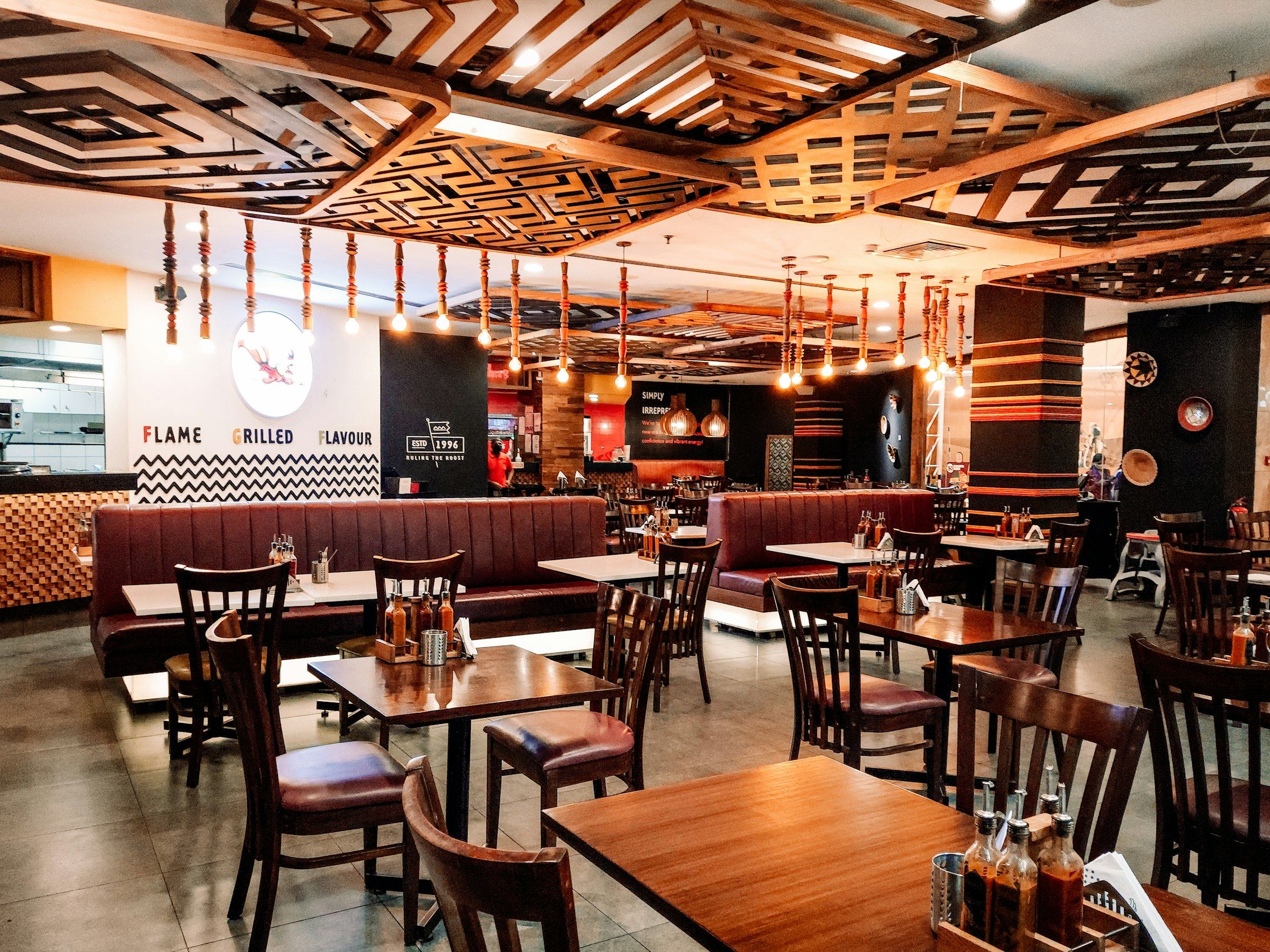
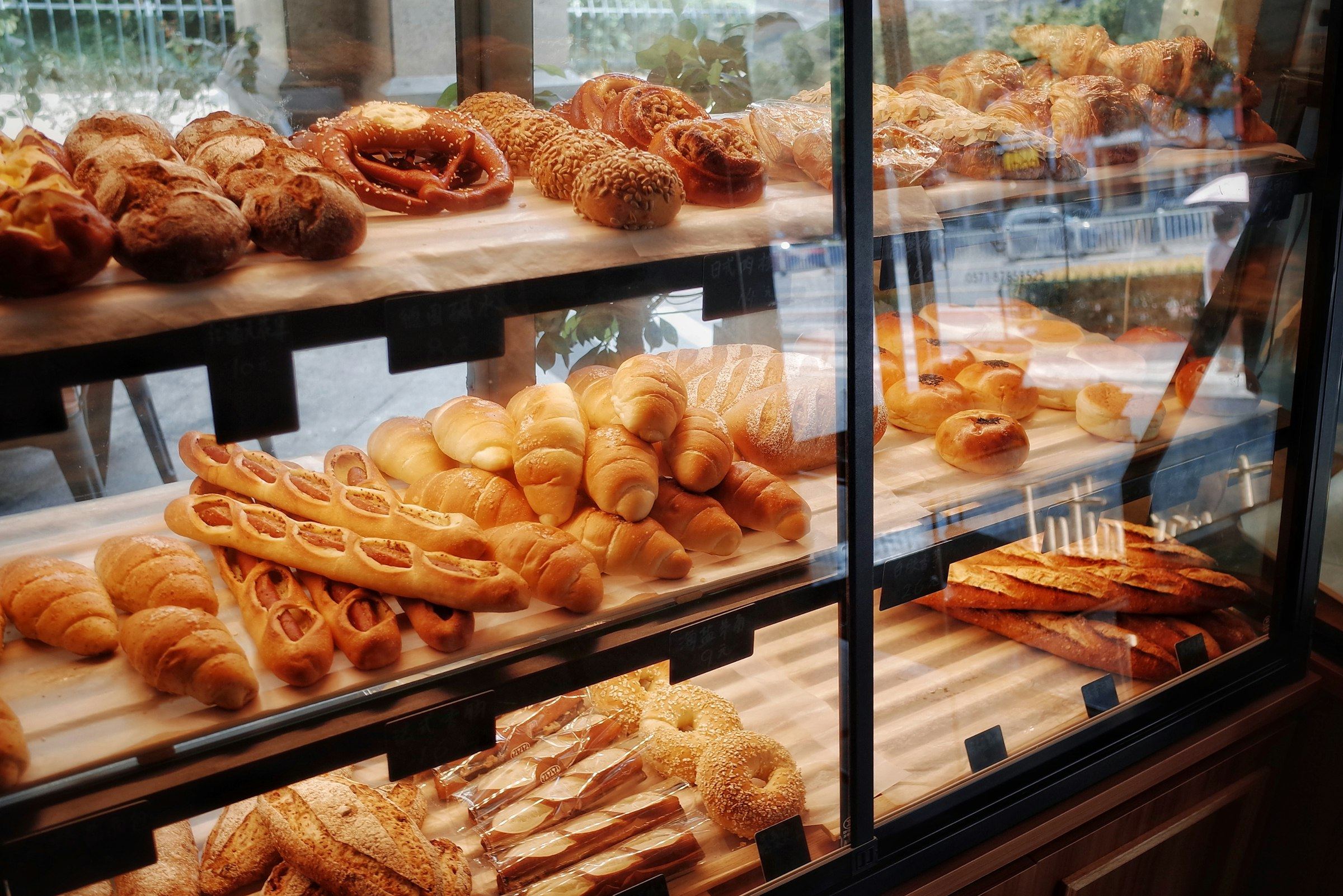
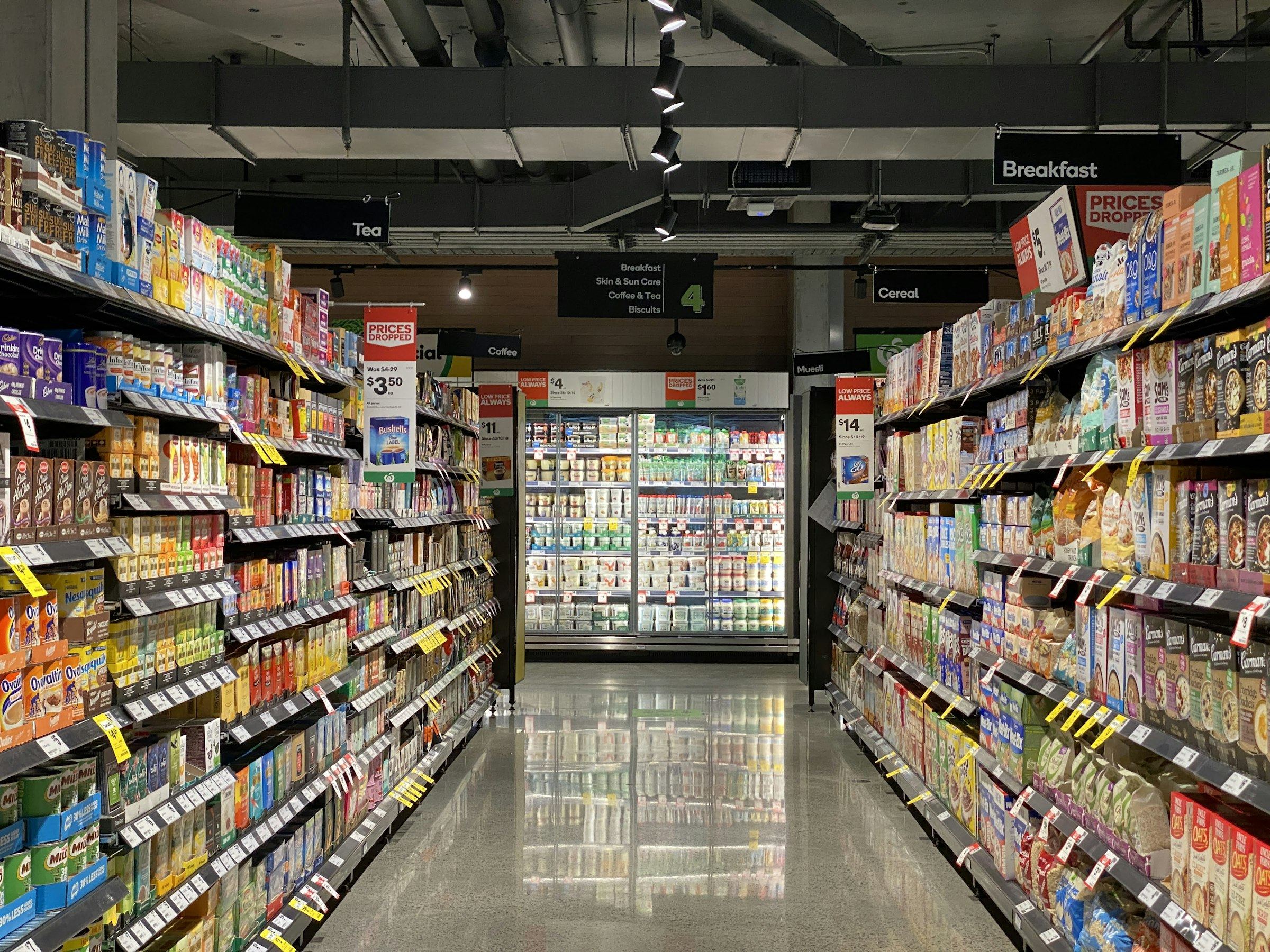
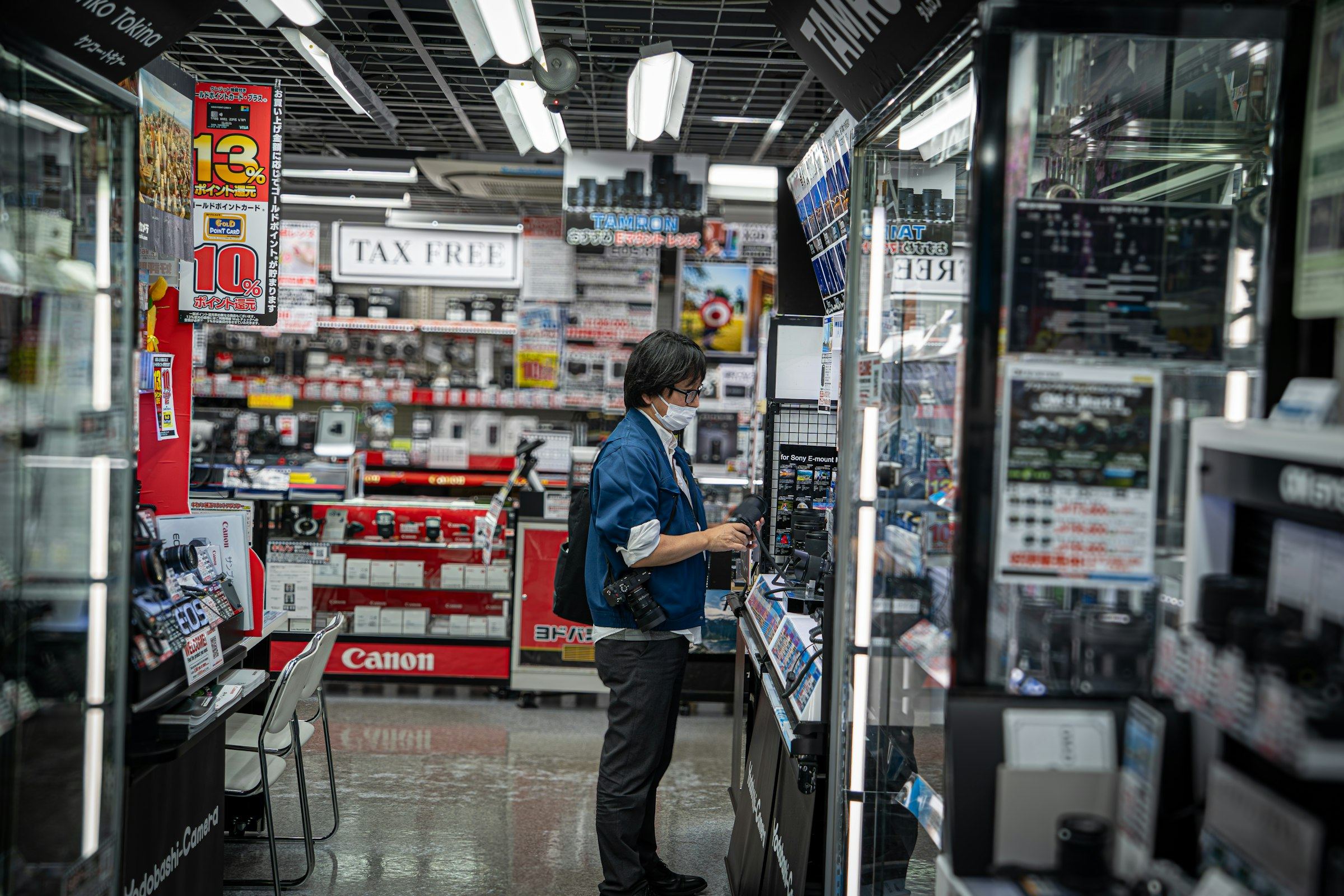
RST POS is set up for 10 business types: restaurants, cafes, bakeries, pharmacies, retail stores, supermarkets, electronics & mobile shops, clothing stores, salons and hospitals. Each one gets the screens, fields and terms that fit how it works.
Do I need to install anything?
No. RST POS runs in the browser on any computer or tablet. You only need a thermal printer and a barcode scanner if your business uses them.
What happens if the internet goes down?
You can keep selling. Offline sales are saved on the terminal and sync automatically when the connection returns, without duplicates.
How do cashiers log in?
Cashiers use your Store Code and their personal 4-digit PIN for quick terminal login. Admins and managers can also sign in with email and password.
Can I run multiple branches?
Yes. Add branches within your plan, assign staff to each one and transfer stock between them with full batch history.
Is FBR integration included?
FBR POS Integration and Digital Invoicing can be enabled per store. Once set up, each receipt carries the FBR invoice number and QR code.
Is my data safe?
Every business's data is isolated, prices and totals are calculated on the server, logins are rate-limited and every important action is recorded in an audit log.
How do we get started?
Send us a message or call. We'll set up your store, import your products, create your staff logins and train your team.