Bakery & Confectionery POS
Sell what's fresh first, price by weight and never miss a cake order.
/ Overview
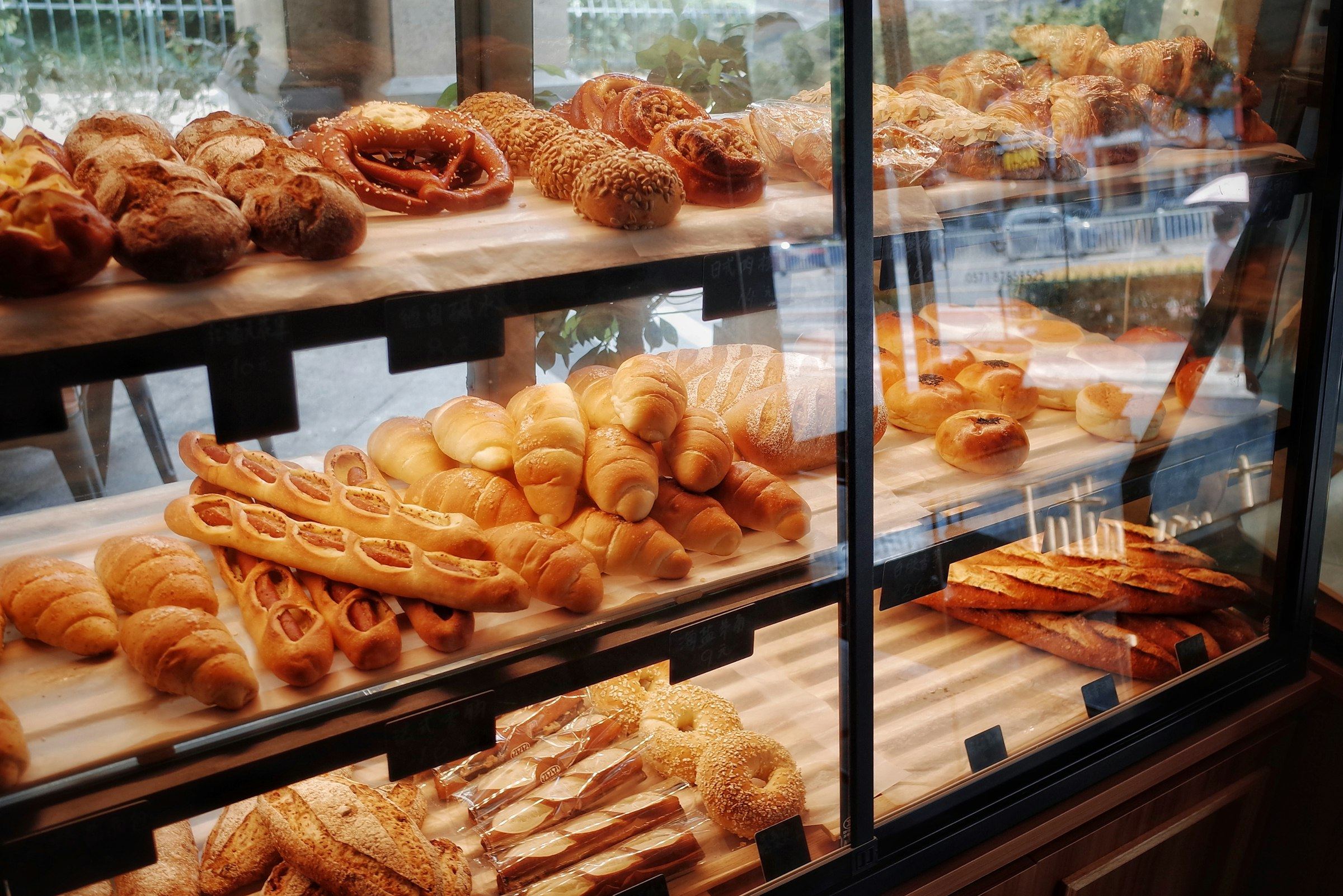
Every batch is tracked with its bake date and expiry, items can be sold by weight, and FEFO makes sure the oldest stock leaves the shelf first.
/ At a glance
Stock control
Batch & expiry tracking (FEFO)
Pricing
Per item or by weight
Orders
Custom cake bookings
Receipts
Bakery token & thermal receipt
/ Why it works
Less waste, correct weight-based prices and a counter that knows what is fresh.
/ Key benefits
FEFO batches
First-expiry-first-out selling, with expired batches blocked at the till.
Weight pricing
Sell cakes, sweets and biscuits by the gram with accurate totals.
Custom orders
Record cake orders with details and deliver them on time.
/ How it works
From the oven to the counter, every batch is accounted for.
/ Your day on RST POS
01. Add the batch
Record bake date, expiry and quantity for each fresh batch.
02. Sell fresh first
The till picks the batch that expires soonest automatically.
03. Review waste
Reports show what sold, what's left and what's about to expire.
/ FAQs
Common questions from bakery & confectionery owners
/ Answers
What happens if the internet goes down?
The till keeps selling. Sales are saved on the terminal and sync automatically when the connection is back, without creating duplicate orders.
Can invoices be reported to FBR?
Yes. FBR POS Integration and Digital Invoicing can be switched on per store; the FBR invoice number is printed on the receipt with a QR code.