Clothing & Fashion POS
Every size and colour in one place, so the right stock reaches the right branch.
/ Overview
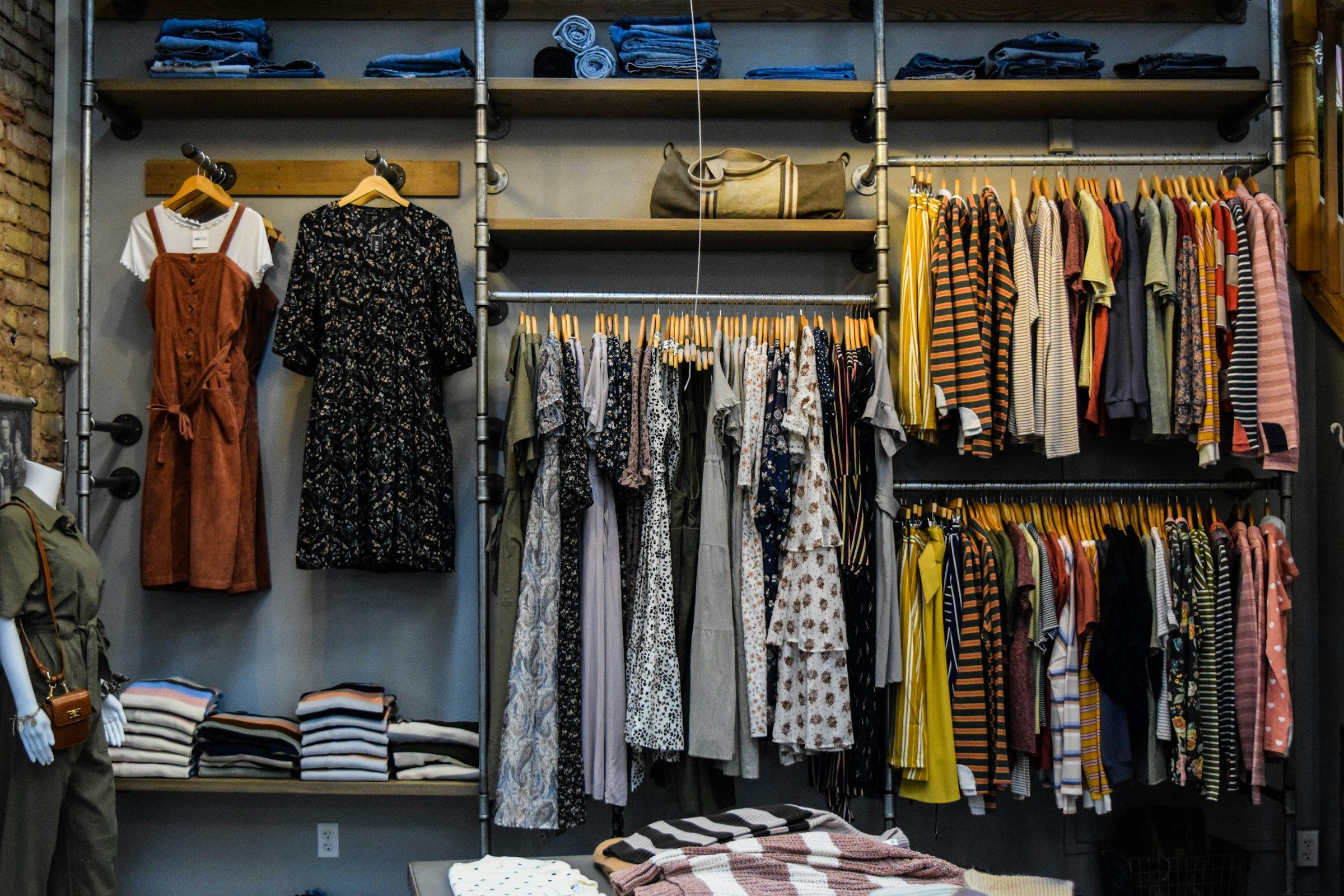
Manage collections as variants of size and colour, label them with barcodes and move stock between branches as each season sells through.
/ At a glance
Products
Size × colour variants
Collections
Season tagging
Labels
Barcode label printing
Inventory
Branch-to-branch transfers
/ Why it works
Fewer lost sales from missing sizes and clear sell-through for every collection.
/ Key benefits
Variant matrix
One product, many sizes and colours — each with its own stock.
Season control
Tag products by season to plan sales and clearance.
Branch transfers
Move sizes where they sell best with full tracking.
/ How it works
From new arrivals to end-of-season sale.
/ Your day on RST POS
01. Add the collection
Create products with sizes, colours and season tags.
02. Label & sell
Print barcode labels and bill with a scan.
03. Rebalance
Transfer slow sizes to the branches that need them.
/ FAQs
Common questions from clothing & fashion owners
/ Answers
Which hardware do I need?
Any computer or tablet with a modern browser. RST POS prints to 80mm USB, Bluetooth and network ESC/POS thermal printers and works with standard USB barcode scanners or the device camera.
What happens if the internet goes down?
The till keeps selling. Sales are saved on the terminal and sync automatically when the connection is back, without creating duplicate orders.